List
Lookalike finder
Ranks the hundred companies most like your best customers, and shows the buying committee at the top ten.
- For
- Account executives
- You provide
- Two or three companies you already sell to
- You get
-
- 100 companies ranked by similarity
- The buying committee at the top ten
- The top accounts imported to your workspace
-
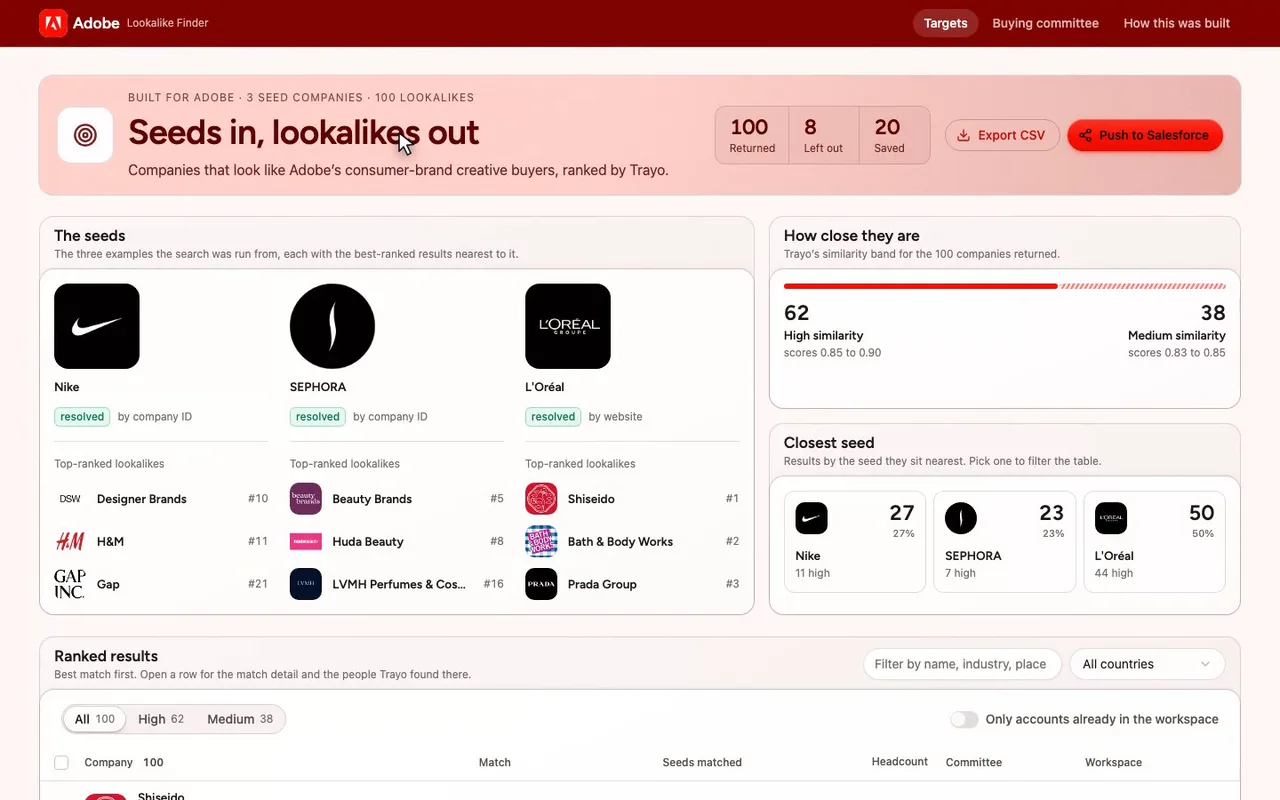
A lookalike finder for an Adobe enterprise seller.
-
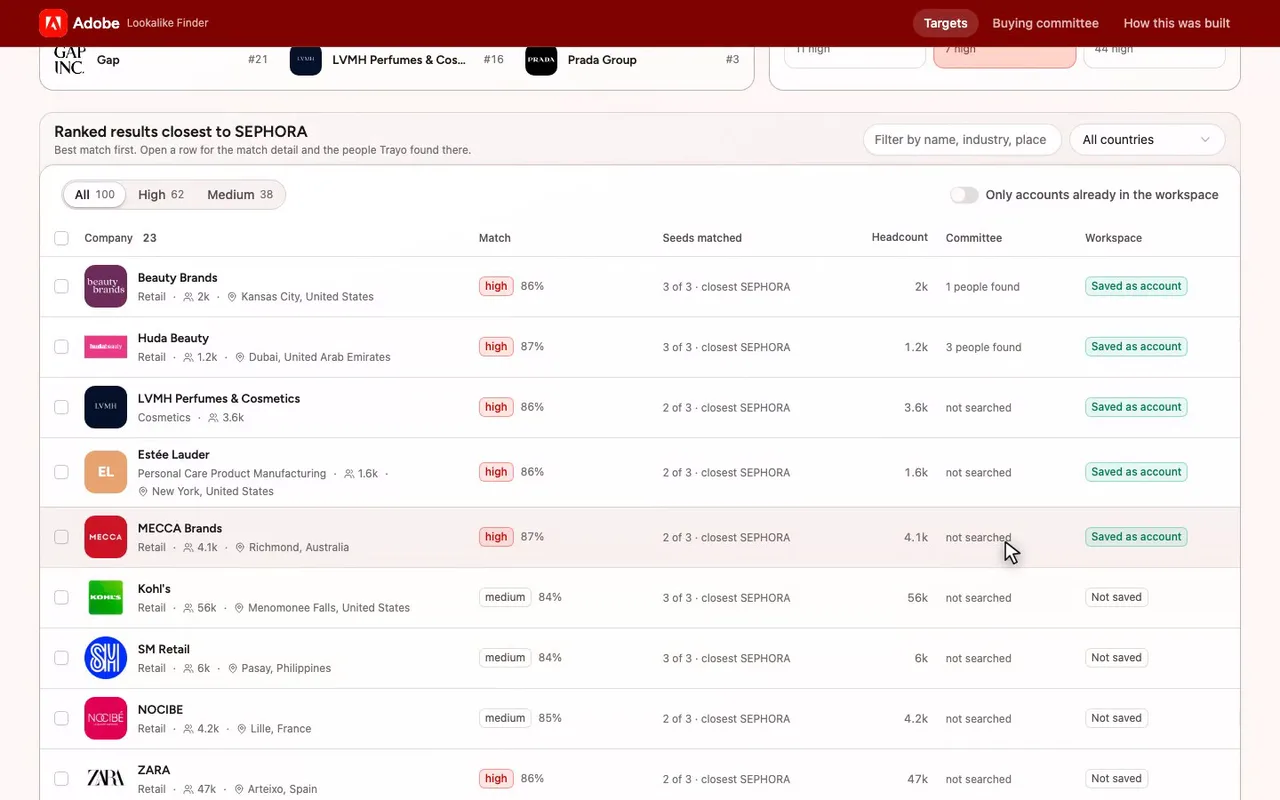
The ranked list narrows to those twenty-three.
-
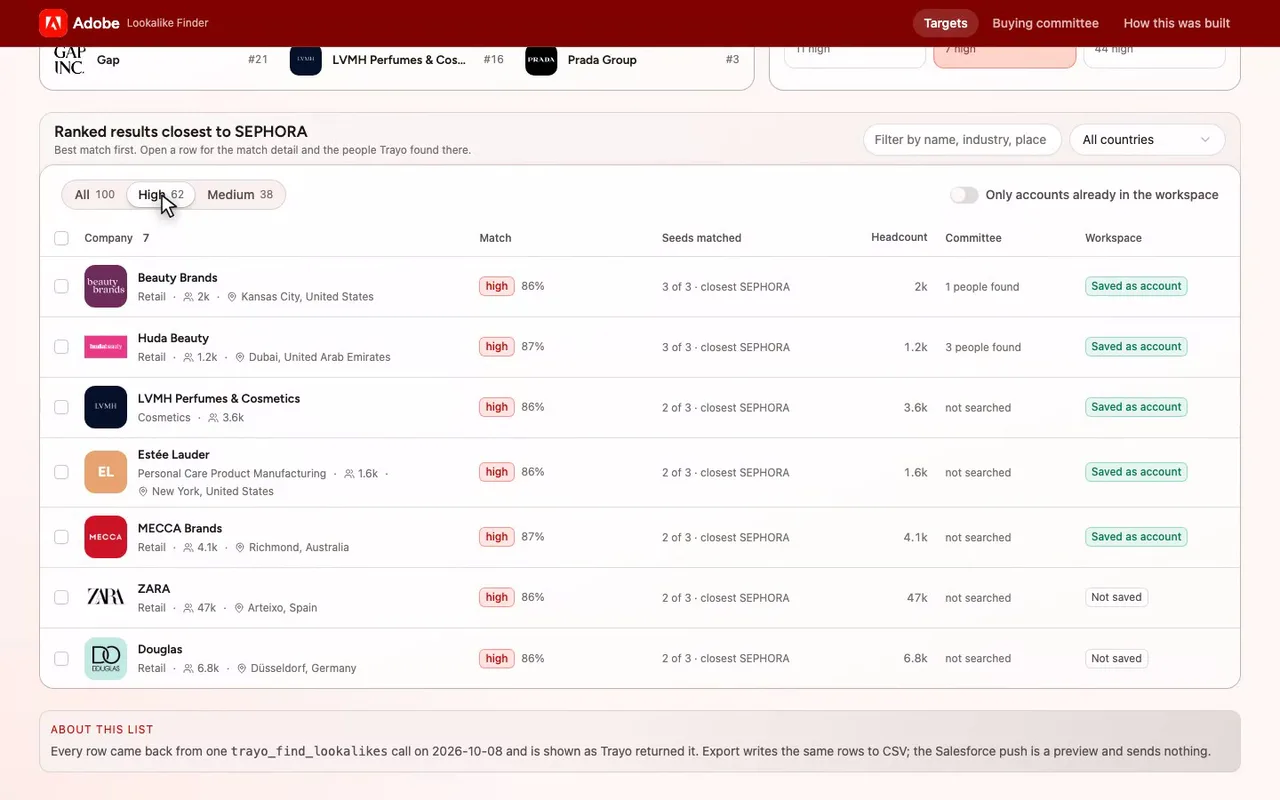
Keep the high band, and seven remain.
-
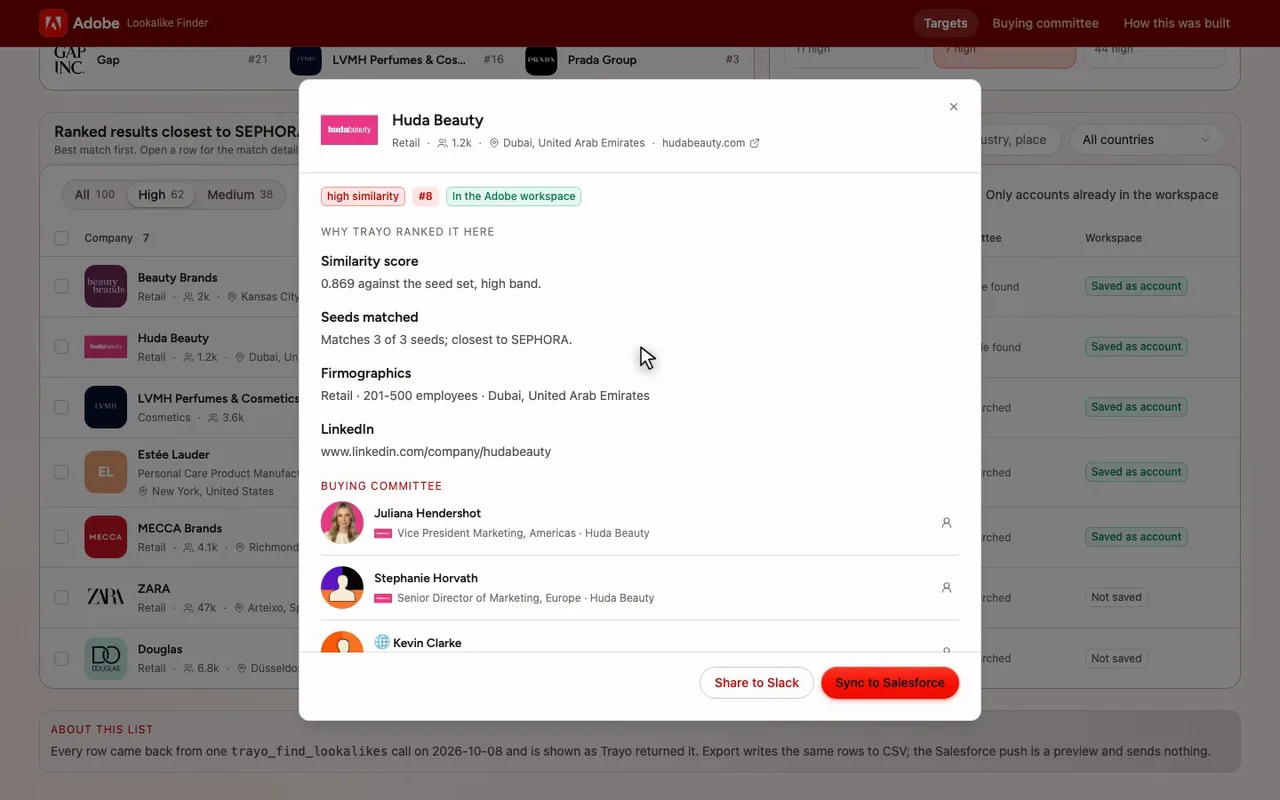
Open Huda Beauty: rank eight, matching all three seeds.
-
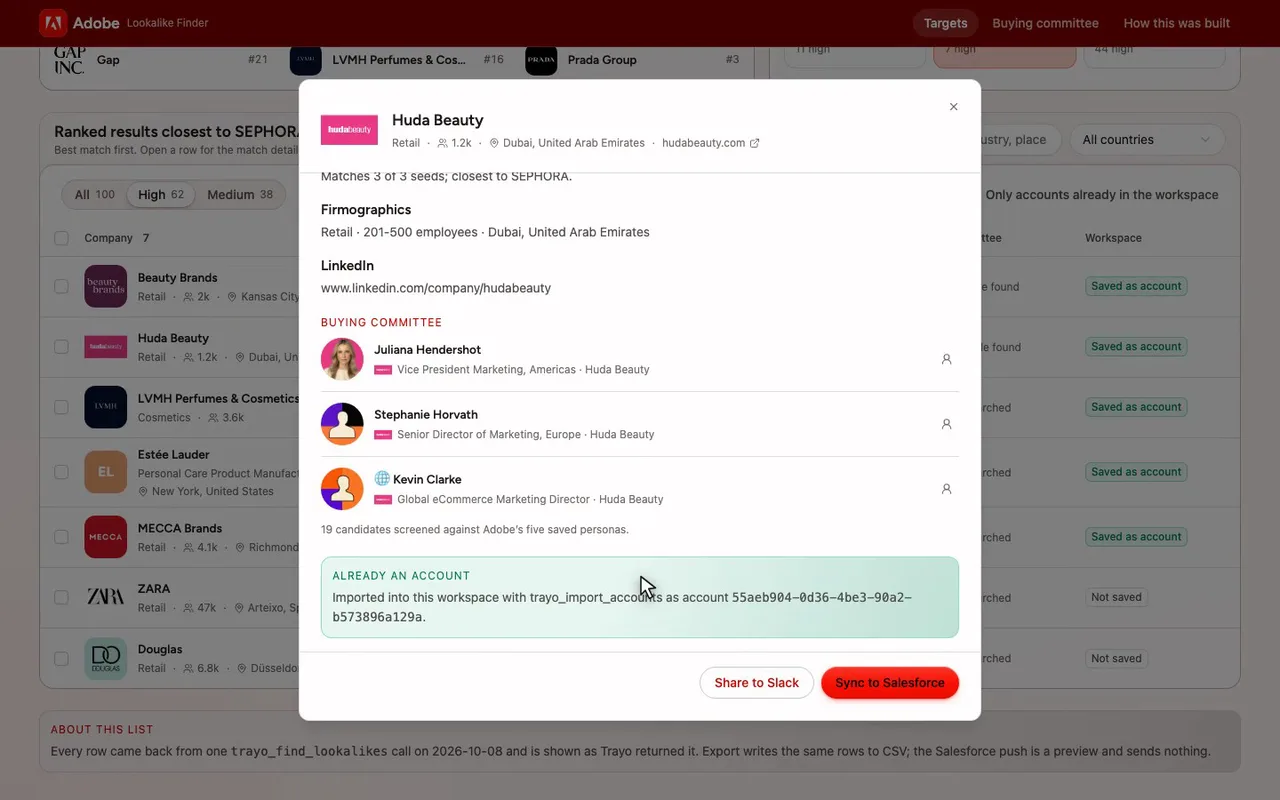
Its buying committee is here, three people by name.
-
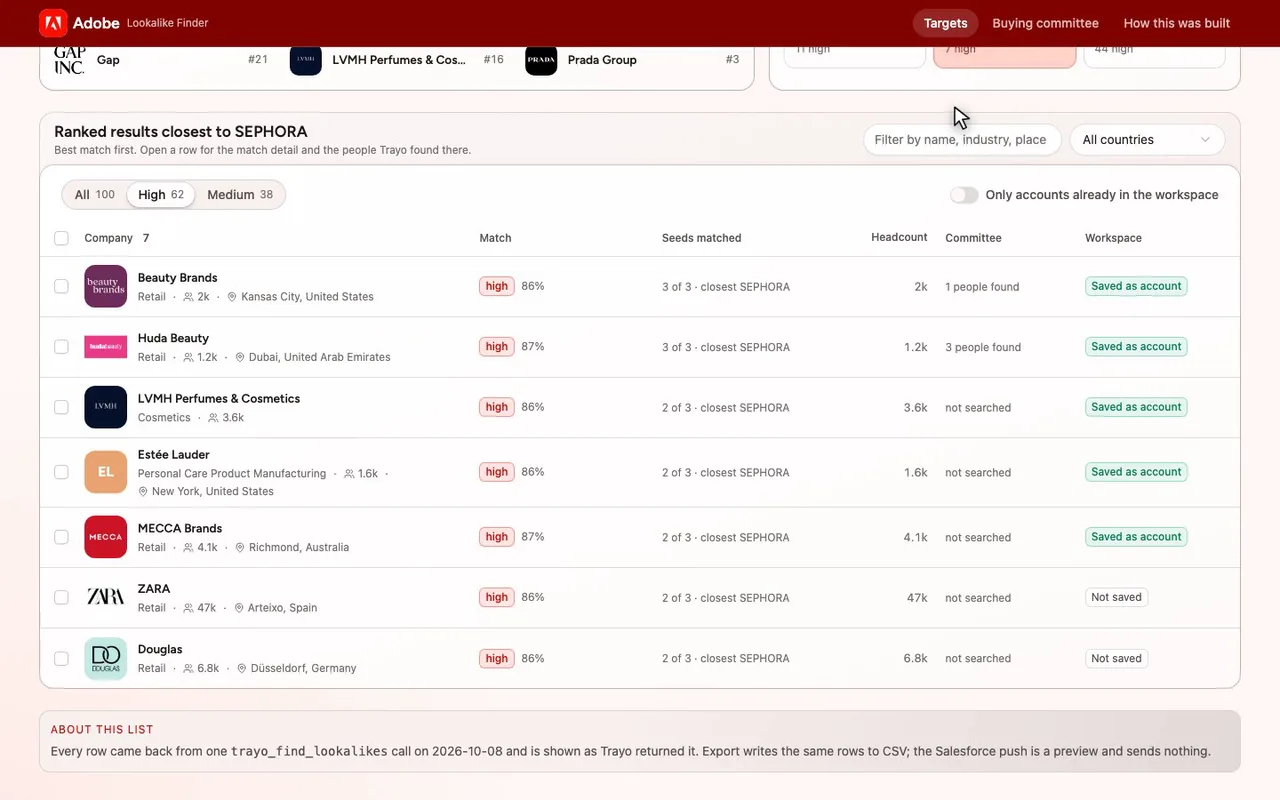
It is already saved as an Adobe account.

The prompt
Paste it into any coding agent with the Trayo MCP connected.
- + any MCP client


You have the Trayo MCP server connected. Carry out this recipe against the real API.

# Find companies like these

When to use: You have example companies and want a ranked list of similar companies.
Cost: Nothing. This search is not metered.

## Steps - findLookalikeCompanies: Send {"companies":[{"linkedinUrl":"https://www.linkedin.com/company/stripe"}],"limit":100}. Each of the 1–50 seeds can carry companyId for an exact company reference, or linkedinUrl, website and name for matching in that order. companyId accepts a number or numeric string; it takes precedence when supplied and is not a workspace account UUID. The limit is the total number of results wanted, up to 500. One response, no pagination.

## Then Read seeds to check matched identities and any not_found or not_indexed inputs. Reuse companyId from a matched seed or result in a later search. The companies come best match first, each with a preliminary high, medium or low similarity label. filtered counts the seed subsidiaries, repeat listings and companies outside the seeds' employee range that were left out; send matchSize false to allow any size. Results also rank higher when people at your workspace's accounts used to work there; send useWorkspaceAccounts false to rank on the seeds alone. Nothing is saved. To save selected companies, use batchCreateAccounts with name and a website url including https://, in batches of 200. Also send linkedinHandle from linkedinUrl when available; omit rows without a name or usable website.
Take the tour
A narrated walkthrough of the app.
The building blocks
What this app asked Trayo for
Every name, number and email on the page came back from one of these. None of it was typed in.
Reads your workspace
What you sell, who you sell to, and the buyer personas already saved in Trayo.
Finds companies
Surfaces accounts that match your ICP, plus lookalikes of the ones already working.
Builds your account list
Imports, updates and organises accounts so the work survives the session.
How it was built
The data behind each screen, and what's faked for the demo.
Built in 15 min · 3 capabilities · 9 live API calls
Lookalike Finder is a screen for an Adobe enterprise seller who has a few good customers and wants the next hundred companies that look like them. The Targets view lists the ranked result with its similarity band, score, headcount, country and whether the company is already an account in the Adobe workspace; it filters by band, country and free text, pages at 25 rows, and opens a row for the match detail and the people found there. Buying committee shows those people per company against Adobe’s five saved personas, and How this was built records every operation behind the screens.
Everything shown came from the live Trayo API on 2026-10-08. The Adobe workspace had no accounts, so the seeds came from its saved ICP — global consumer brands with large in-house creative and campaign teams: Nike, L’Oréal and Sephora. One trayo_find_lookalikes call with those three seeds and the ICP size band as a hard filter (1,000–100,000 employees) returned 100 companies, 62 high similarity and 38 medium, and reported 3 seed subsidiaries and 5 repeat listings left out. A trayo_search_stakeholders_batch run over the top ten results, using the workspace’s own stakeholder definition, screened 174 candidates and returned 34 people with Trayo’s reason for each. The top 20 companies were then imported with trayo_import_accounts; all 20 were created and show as saved accounts in the UI.
Two earlier searches were thrown away and are written up on the method page: seeding by website with wpp.com and omnicomgroup.com resolved to unrelated companies and came back not_indexed, and a run with no size filter returned corner shops, because the seed employee range did not apply on its own. No emails or phone numbers were enriched, so the people carry no contact rows — those lookups are metered and were out of scope. Push to Salesforce, Share to Slack, Start sequence and Draft intro email are previews: they confirm with a toast that says nothing was sent. Export CSV is real and writes the filtered rows as Trayo returned them. The brand module took #FB0F01 as primary and reported its adjustments, which are printed on the method page: no background colour was supplied, so the page is a white canvas tinted #fff8f7; accent text drops to #c50700 to clear 4.5:1 on that page; and the top bar takes a deep step of the primary, #810300.
More recipes
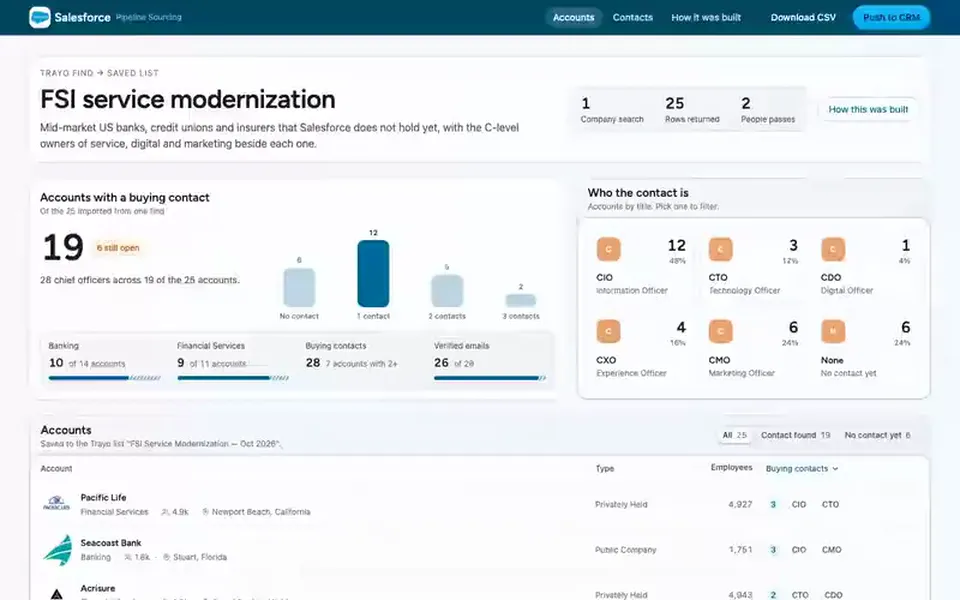
 Salesforce
 List
Prospect list builder
Finds companies that match a description, adds the executives who buy there, and saves both to a named list.
You provide: A description of the companies you want
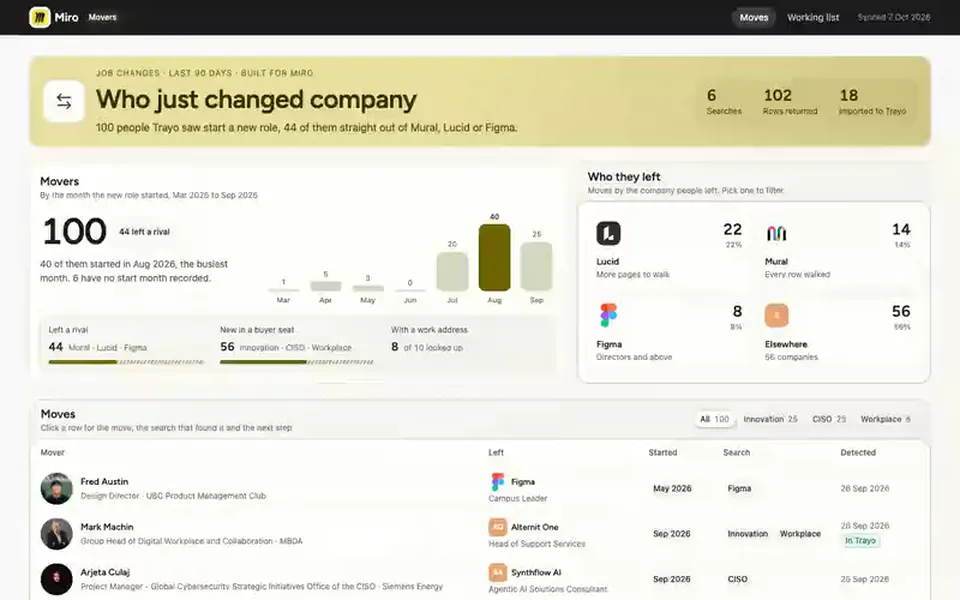
 Miro
Miro Board
Job-change board
Lists people who changed company in the last 90 days, from the ones who left a rival to new hires in the roles you sell to.
You provide: Your competitors and buyer personas
 Ramp
Ramp List
Committee finder
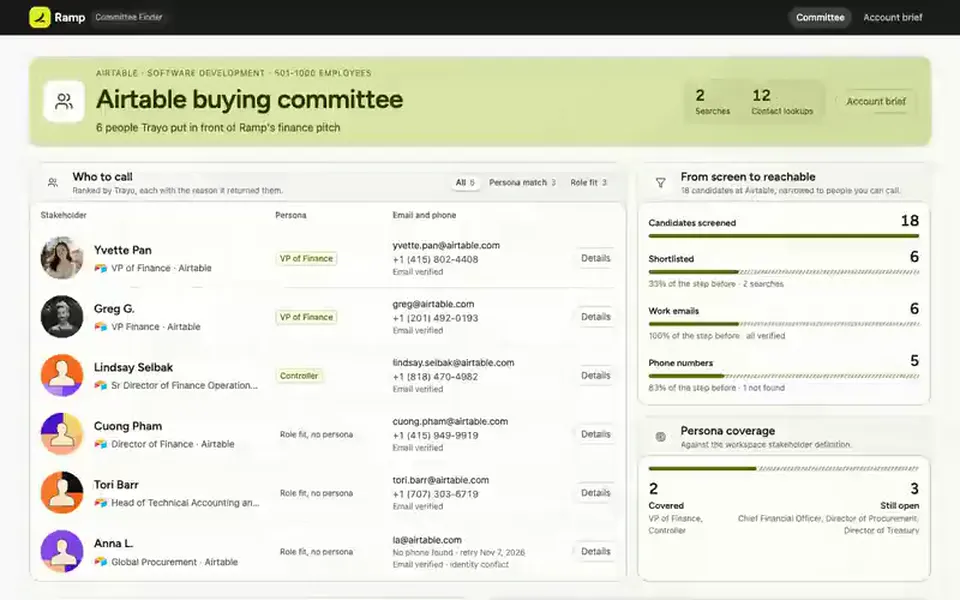
Names the people who own or buy what you sell at one target account, each with a verified work email and phone.
You provide: A target account