Brief
Pre-outreach brief
Shows what to know about each stakeholder at an account before writing to them, and whether they are worth a sequence.
- For
- Account executives
- You provide
- A target account
- You get
-
- Role, trajectory and likely challenges per person
- A verdict on whether to sequence them, with an opening line
- What the answer could not confirm
-
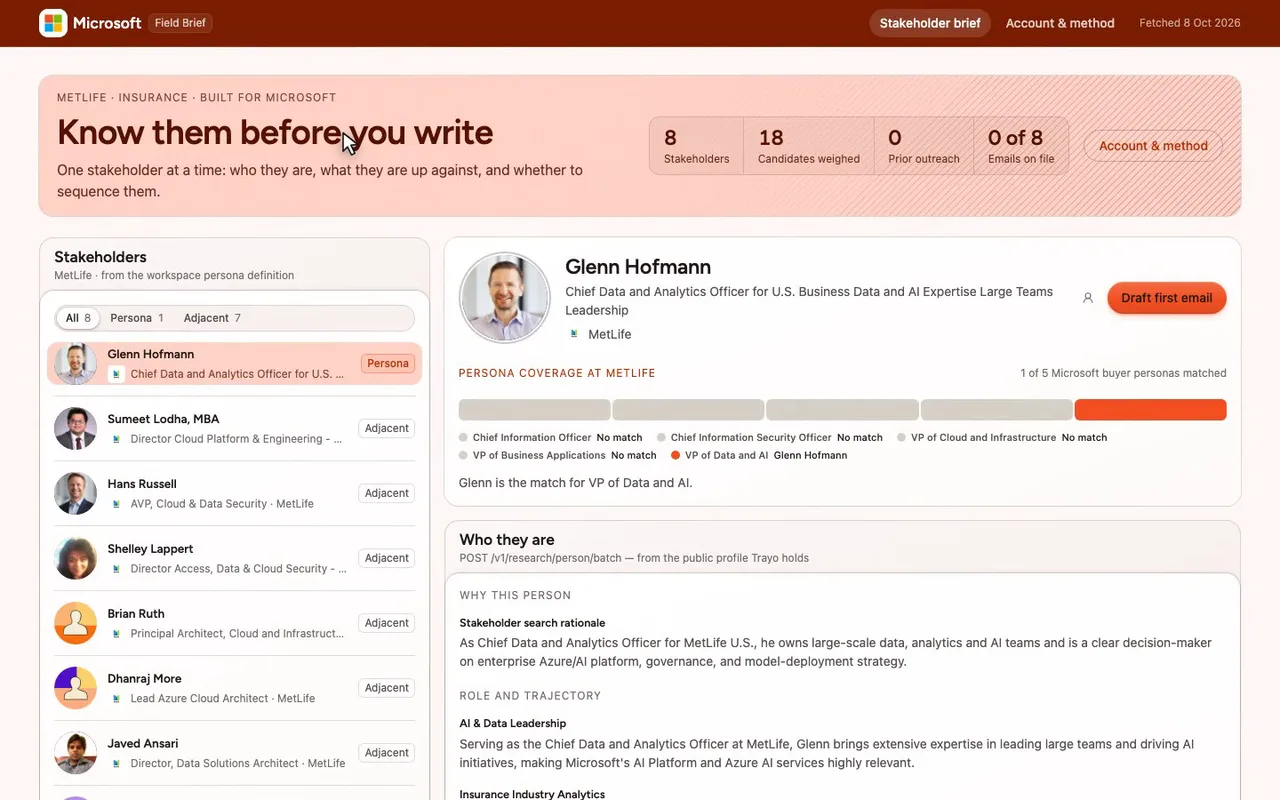
A pre-outreach brief for a Microsoft seller working MetLife.
-
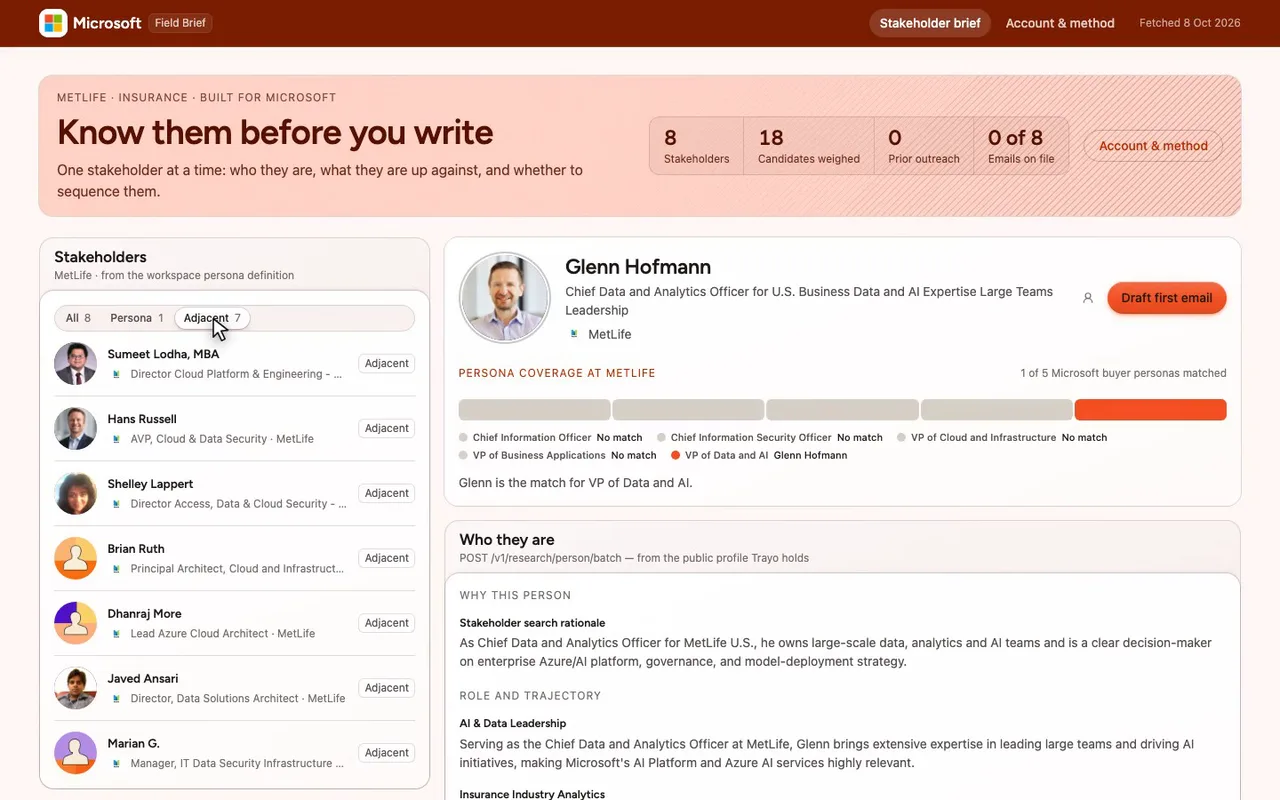
The other seven are adjacent contacts.
-
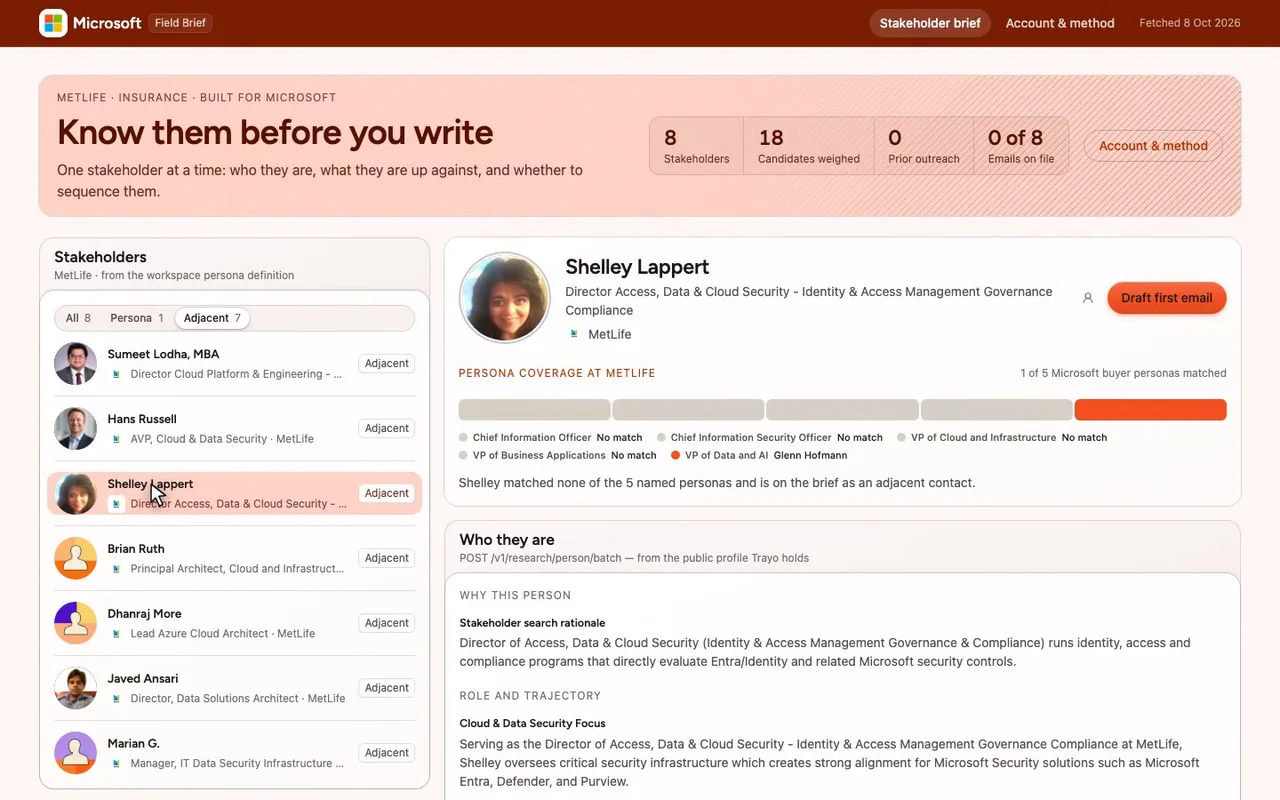
Pick Shelley Lappert and her brief loads beside the list.
-
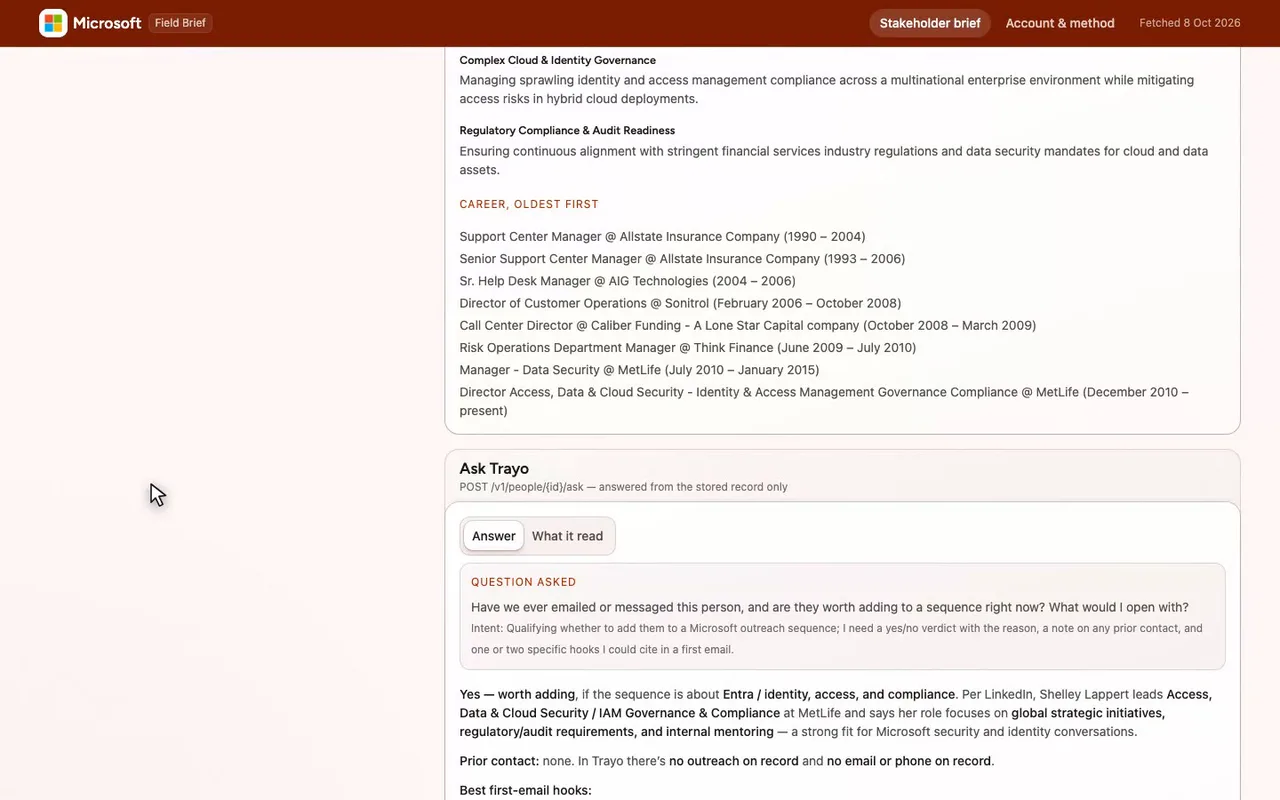
Her likely challenges and career history, from Trayo research.
-
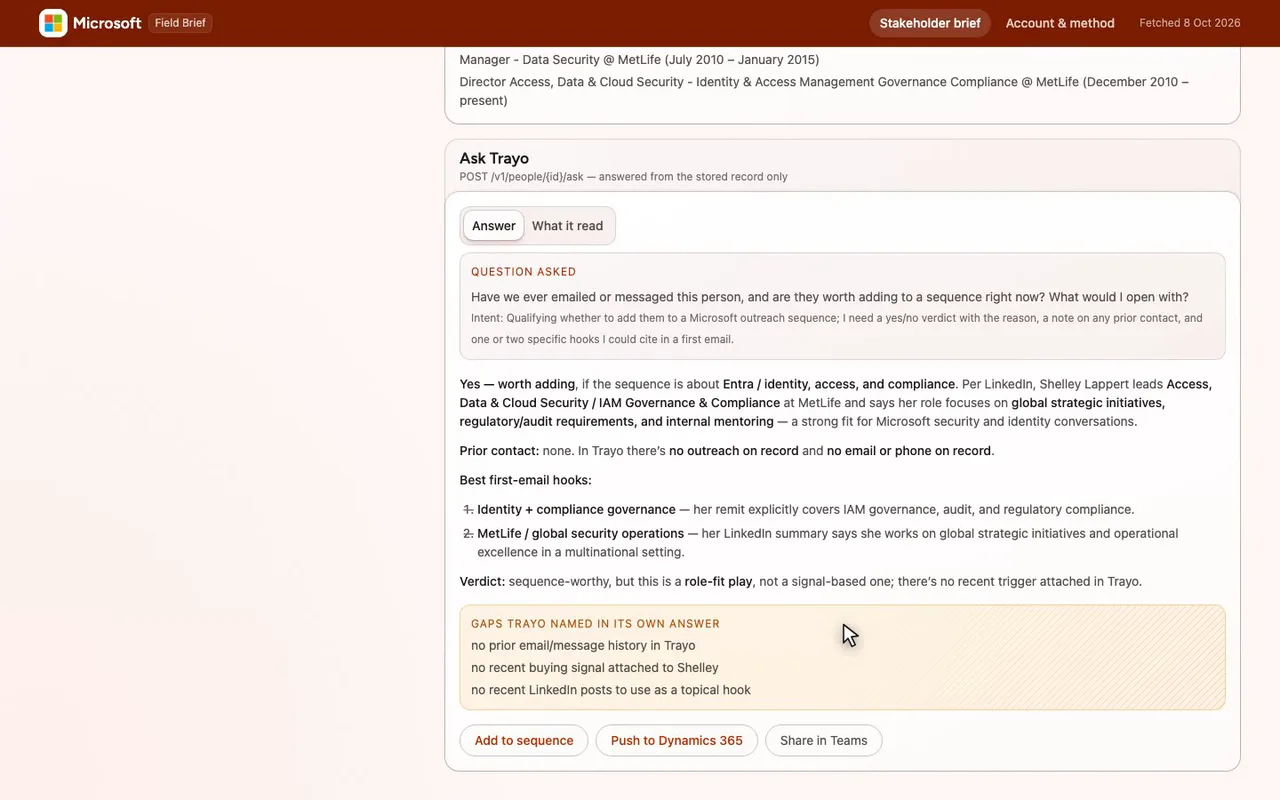
Yes on role fit, and Trayo names its own gaps.
-
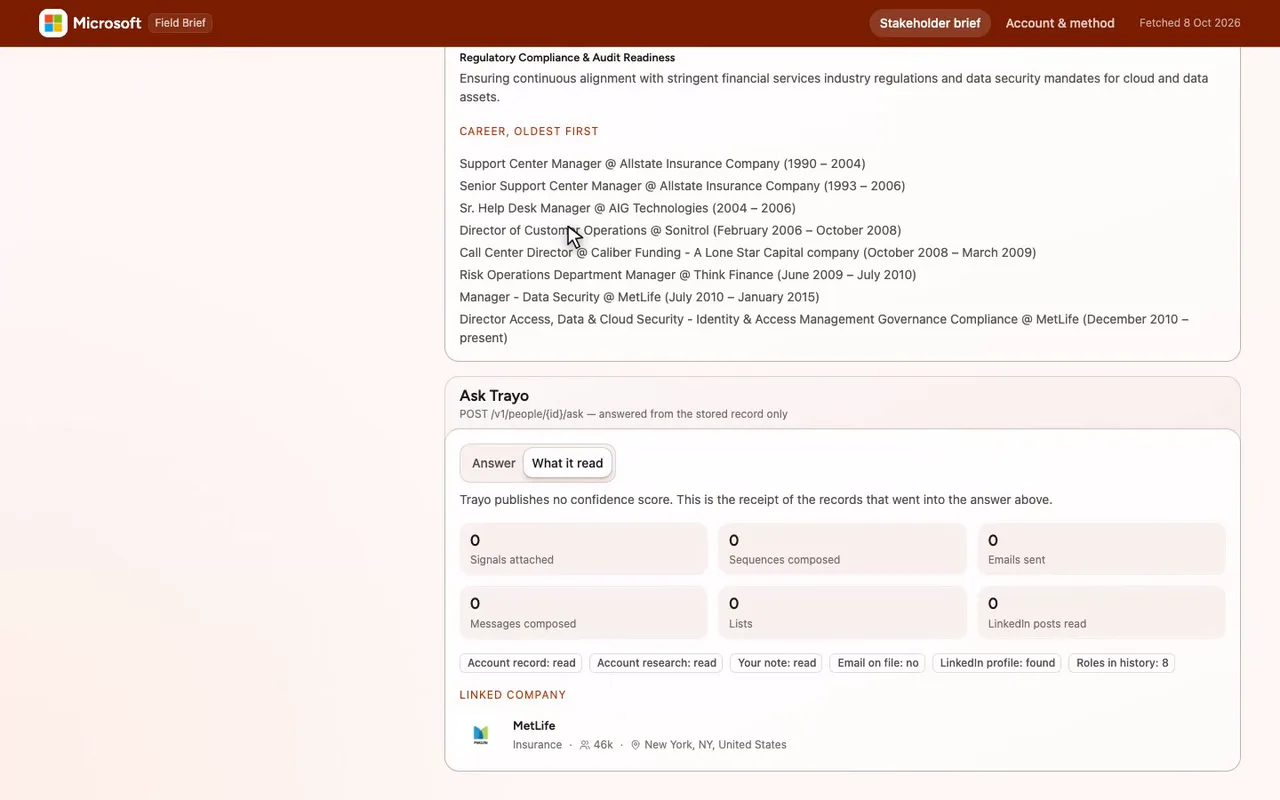
The receipt: zero emails sent, zero sequences composed.

The prompt
Paste it into any coding agent with the Trayo MCP connected.
- + any MCP client


You have the Trayo MCP server connected. Carry out this recipe against the real API.

# What to know about a person before writing to them

When to use: You are about to reach out and want the angle, the likely challenges, and your own history with them.
Cost: One use of your usage quota per overview or answer returned. A call that fails costs nothing.

## Steps - researchPerson: For someone you have just found and do NOT hold: a fixed overview of ANY person Trayo holds, from their public profile. `grounded: true` adds a web search and takes longer. [optional]
- askPerson: For someone you already hold: YOUR question, answered from the Trayo record plus the profile — the only route that can see what discovery attached, what you sent, and whether they replied. Send `intent` to steer the form of the answer. Capability: people:read includes derived briefing context, including linked account research, signals, outreach history and workspace prose. Answers can include those facts without separate source scopes. The key and its owner's current workspace role must both allow people:read; losing unrelated owner permissions does not block this operation. Check key.effectiveScopes in GET /v1/whoami. Direct account and workspace reads still require accounts:read, and direct event reads events:read. [optional]

## Then "Who is this person" is research; "did we ever email them, and are they worth a sequence" is ask. Use one or the other, not both for the same question.
Take the tour
A narrated walkthrough of the app.
The building blocks
What this app asked Trayo for
Every name, number and email on the page came back from one of these. None of it was typed in.
Reads your workspace
What you sell, who you sell to, and the buyer personas already saved in Trayo.
Finds companies
Surfaces accounts that match your ICP, plus lookalikes of the ones already working.
Finds the right people
Named stakeholders at an account, matched to the buying roles you care about.
Builds your account list
Imports, updates and organises accounts so the work survives the session.
How it was built
The data behind each screen, and what's faked for the demo.
Built in 17 min · 4 capabilities · 9 live API calls
This is a pre-outreach brief for a Microsoft seller working one account. The left column lists the stakeholders Trayo found at MetLife; picking one fills the right column with what to know before writing to them — their role and trajectory, what they are likely up against, their career history — and then, on a second tab, Trayo’s own answer to “have we ever written to this person, and are they worth a sequence?” A second screen, Account and method, carries the account research, how the five Microsoft buyer personas were covered, and exactly which API calls produced the page.
The workspace was empty, so the account was chosen rather than given: POST /v1/find over Trayo’s company data, filtered to the saved ICP industries (banking, insurance), US headquarters and 10,000–50,000 employees, returned 12 companies and MetLife (45,546 employees, Insurance, New York) was imported as the one account. POST /v1/stakeholders/search weighed 18 candidates there against the workspace’s five personas and returned 8 people; only one, Glenn Hofmann, matched a named persona (VP of Data and AI), and the other four personas went uncovered — the coverage table shows that rather than filling the gap. The 8 were imported with POST /v1/people/batch, then POST /v1/research/person/batch returned an overview for all 8 in one call, and POST /v1/people/{id}/ask was called once per person with an intent of qualifying them for a sequence. Every ask answer, its gaps list and its source receipt are on screen verbatim. One extra call, POST /v1/research/person with grounded: true, was run for Hofmann; the company intel it added is on the account screen, and its personalInsights came back empty, which Trayo does when it cannot cite a source. POST /v1/research/company supplied the three “why now” points for MetLife.
Two things to be plain about. The ask route said yes for all 8 people — nothing had ever been sent from this workspace, so there was no outreach history to weigh and no negative verdict to compare against; read them as fit assessments. And every outward action is a stub: Draft first email, Add to sequence, Push to Dynamics 365, Share in Teams and Open in Dynamics 365 each raise a preview toast saying what would have been sent, because no mail, CRM or Teams integration exists here. On the palette: brandFromWorkspace gave #F25022 the primary slot (the most saturated of the three) and #7FBA00 and #00A4EF the accent slots, which the library maps to chart series 2 and 3; this app ships no charts, so those two colours do not appear on screen. applyBrand reported four contrast adjustments — a #fff8f7 page tint, #b52f00 for accent text and links, and darker steps for the two accents — all of which are listed in the app’s own Brand palette note.
More recipes
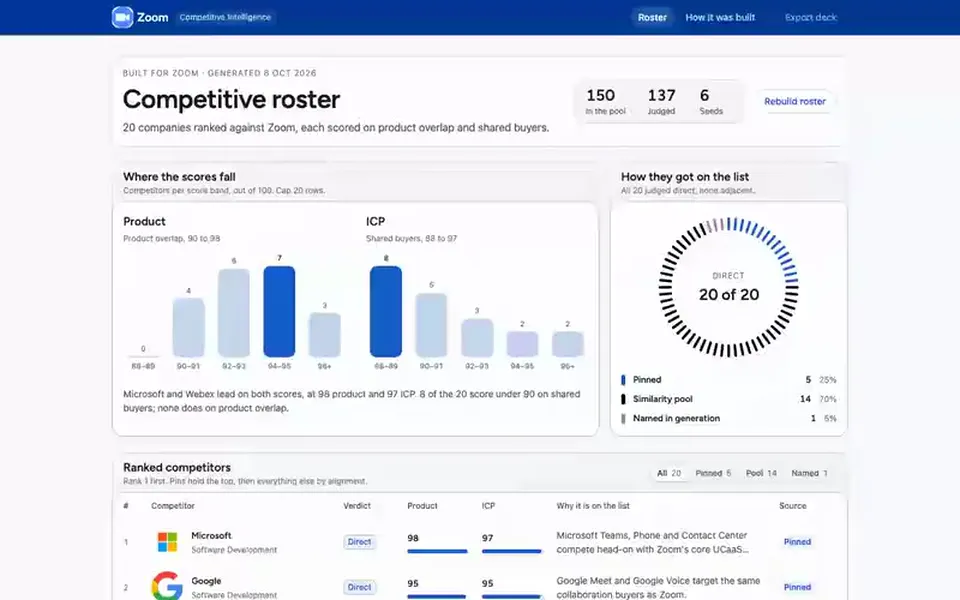
 Zoom
Zoom List
Competitor roster
Ranks the companies you compete with, each with a verdict, two alignment scores and the reason it is on the list.
You provide: Your own company, plus any rivals you want pinned
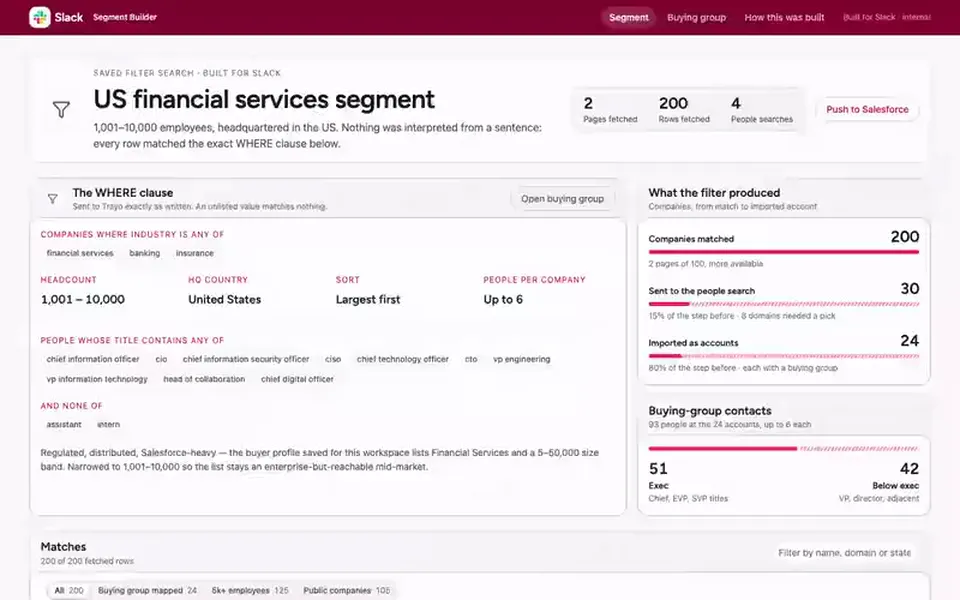
 Slack
Slack List
Segment builder
Turns an exact set of filters into the companies that match, then finds the buying group inside them.
You provide: An industry, a headcount band and a country
 Adobe
Adobe List
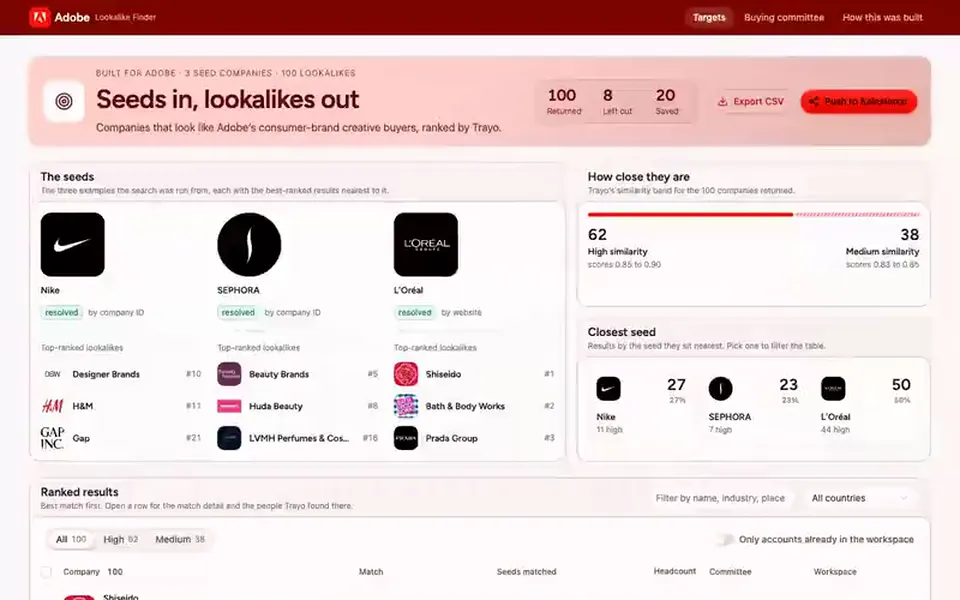
Lookalike finder
Ranks the hundred companies most like your best customers, and shows the buying committee at the top ten.
You provide: Two or three companies you already sell to