The churn radar nobody builds
A renewal-risk board for 59 existing customer accounts, grouped by renewal quarter, that scores each one red/amber/green from dated Trayo evidence and hands the rep the person who…
- Built in
- 26 min
- Capabilities
- 7
- Live API calls
- 71

The prompt
Paste it into any coding agent with the Trayo MCP connected.
- + any MCP client


Use Trayo to build a churn early-warning radar over my existing customers. For
each customer account, watch for four things: our champion or exec sponsor
leaving the company, hiring for a role that implies they're building or buying
a replacement for us, news about layoffs, restructuring or acquisition, and a
new leader arriving over the function we sit in. Run discovery weekly with a
lookback that doesn't double-count what last week already found.
Score each customer red, amber or green with the specific evidence attached —
never a bare number. Where the champion left, find who now owns that function,
get a work email, and brief me on the relationship we had with the person who
left so the intro isn't cold. Present it as a renewal-risk board grouped by
renewal quarter, with the evidence trail expandable per account.

Known constraints for this build:
use the `job_change` signal through discovery for the champion-left check, not `job-changes/search` — see idea 5. Renewal quarter is not an API concept; take it from the uploaded customer list.
What this app asked Trayo for
Every name, number and email on the page came back from one of these. None of it was typed in.
- Reads your workspace
What you sell, who you sell to, and the buyer personas already saved in Trayo.
- Finds companies
Surfaces accounts that match your ICP, plus lookalikes of the ones already working.
- Researches an account
A live snapshot per company — size, stack, why-now signals and why it fits.
- Finds the right people
Named stakeholders at an account, matched to the buying roles you care about.
- Gets verified emails
Work addresses with a confidence signal, so a bad match is visible rather than sent.
- Builds your account list
Imports, updates and organises accounts so the work survives the session.
- Watches for buying signals
Standing watches for job changes, funding and the other moments worth a reply.
Take the tour
The same run as the video above, one stop at a time.
- 01
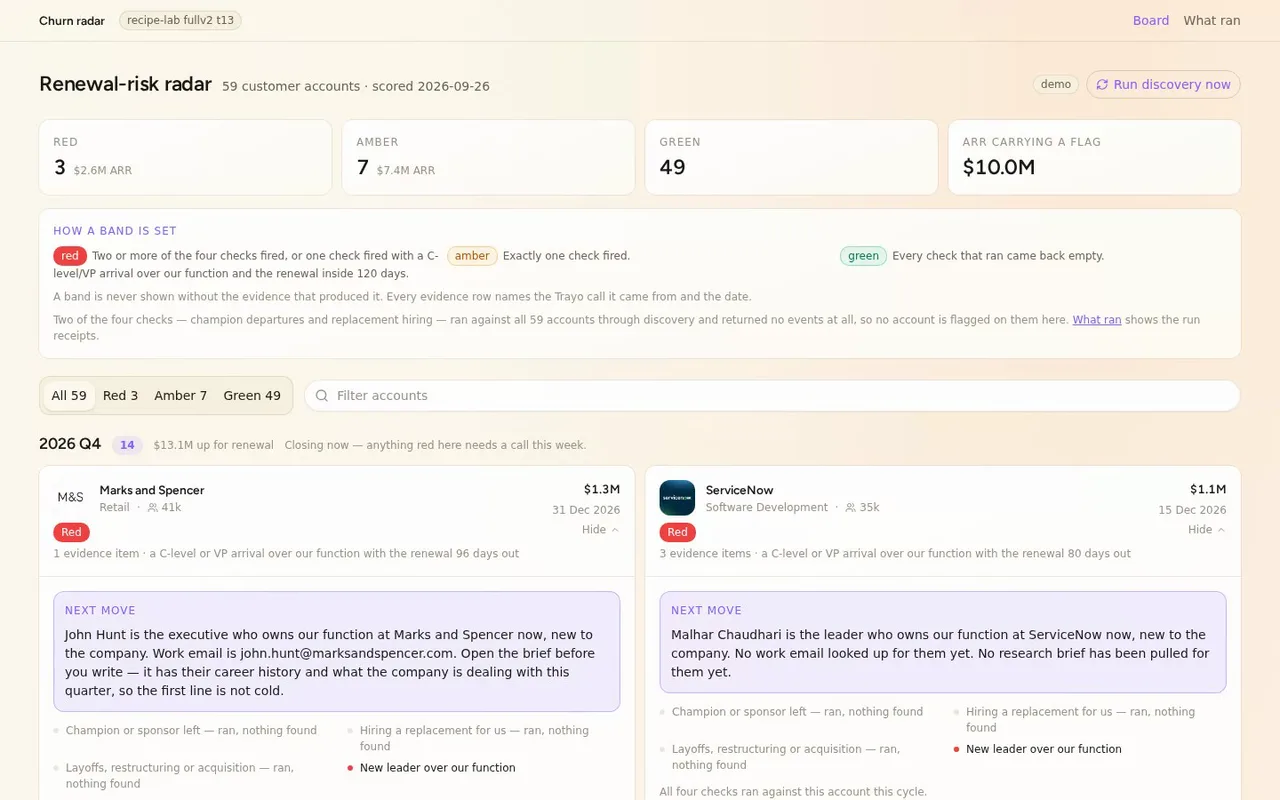
Today we're building a renewal-risk board for our reps. It groups every customer account by the quarter it renews, scores each red, amber or green from dated evidence, and hands you the person to call, their verified email and a brief.
- 02
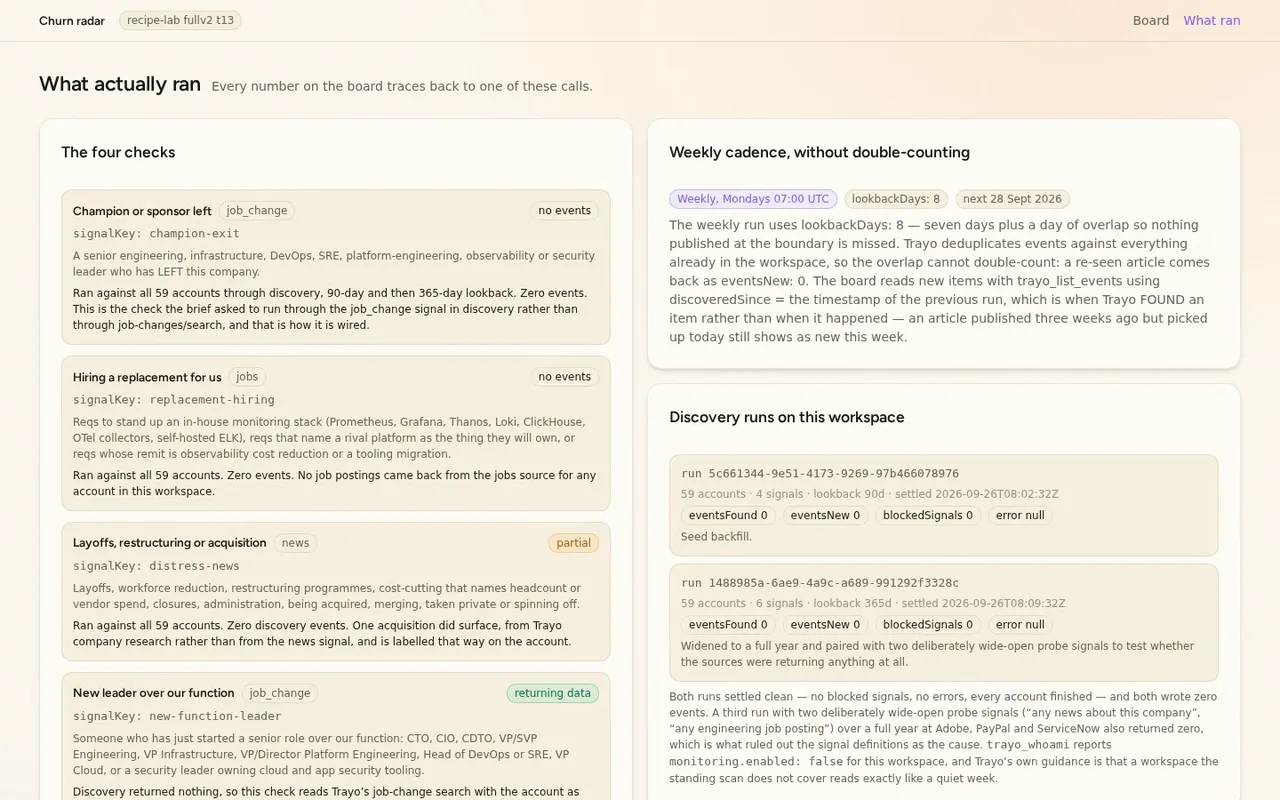
Here's the board's method page, where the run receipts live.
- 03
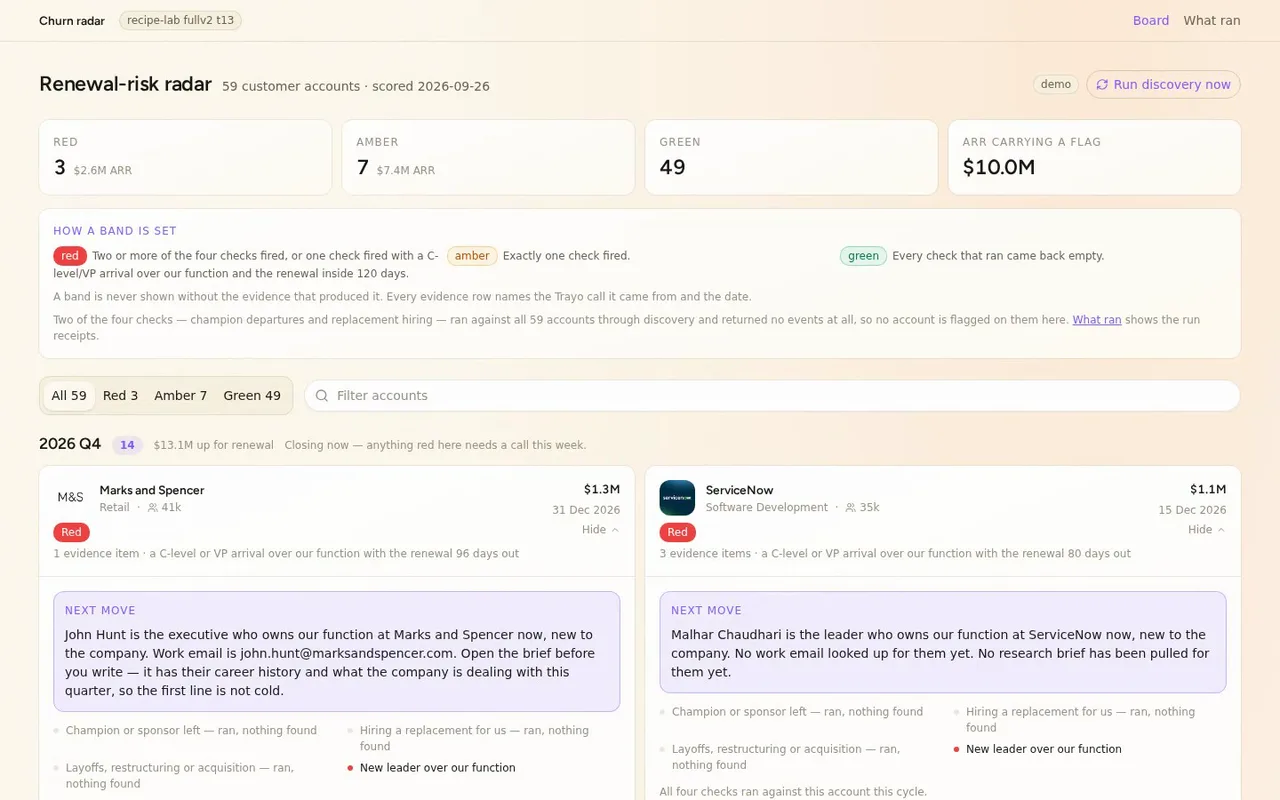
That's the honest part, and the board says so instead of hiding it.
- 04
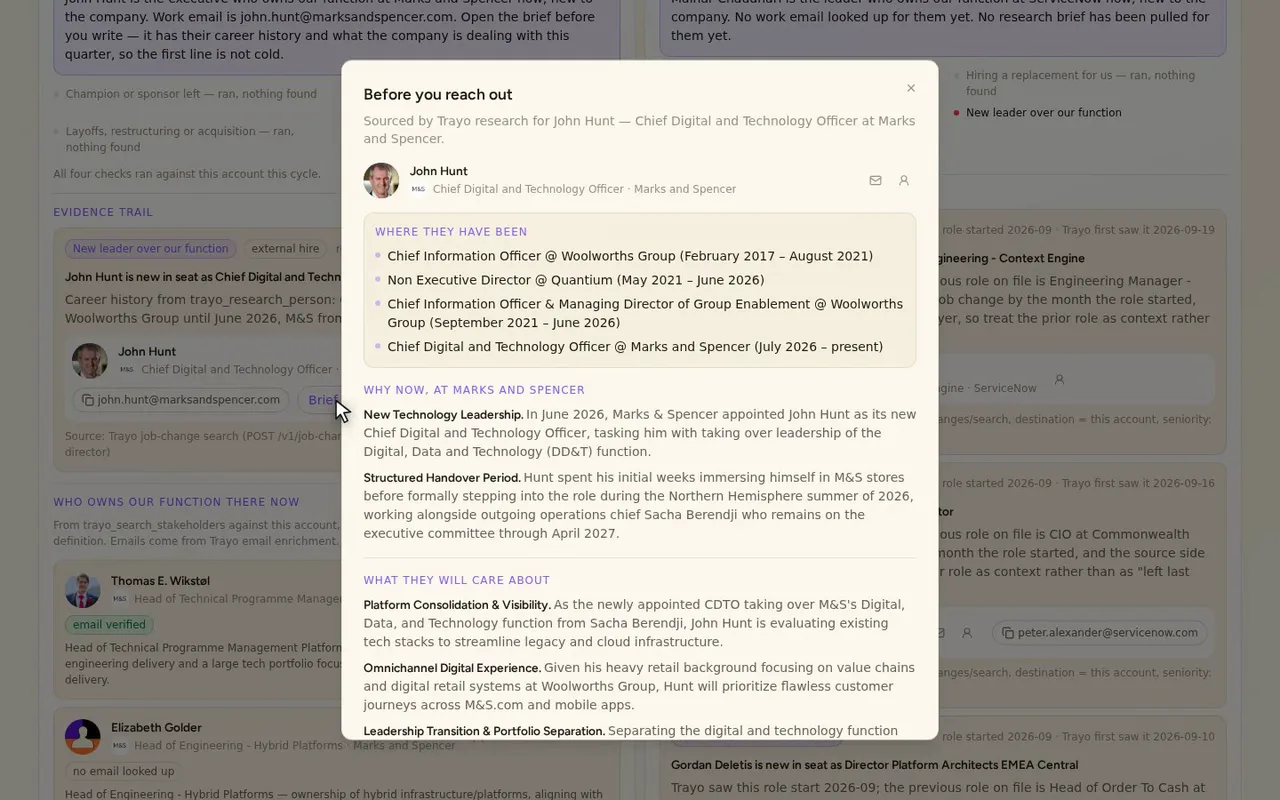
Brief me opens his dated career history and what M&S is dealing with this quarter.
- 05
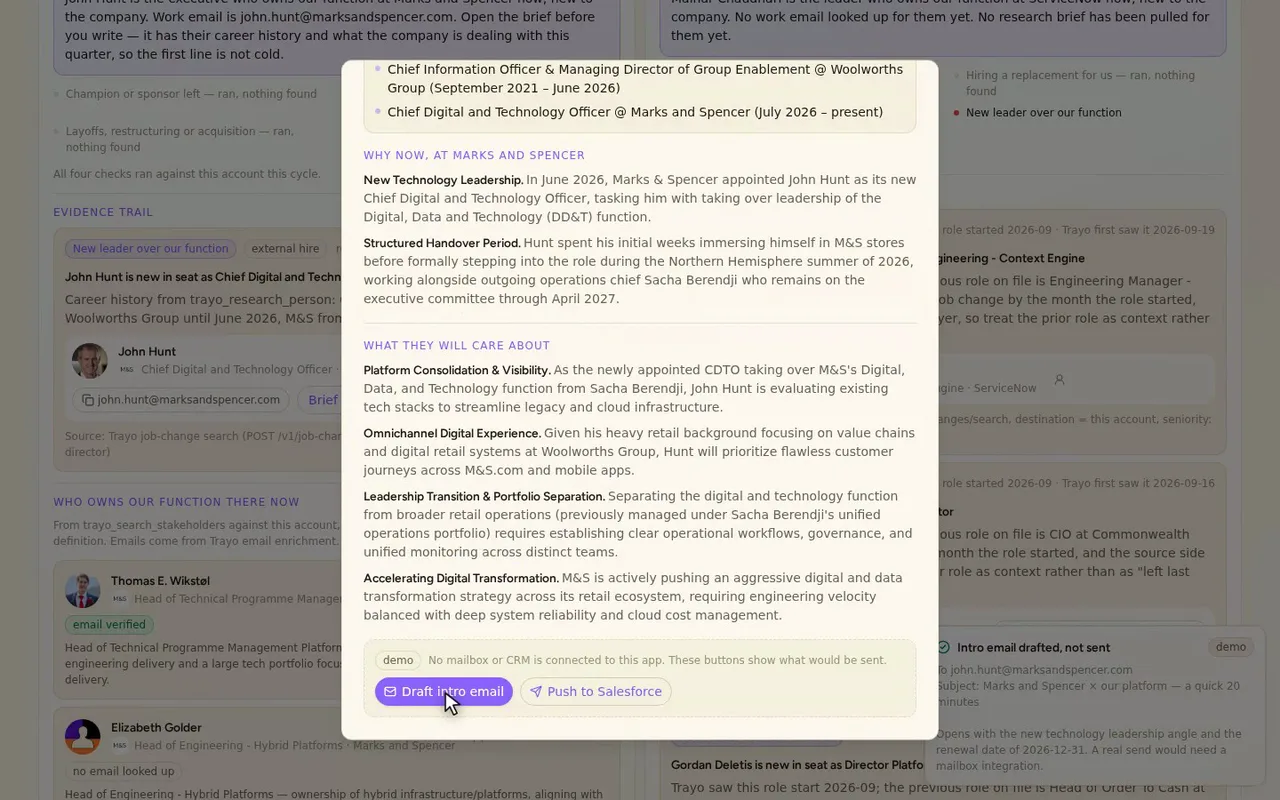
Draft intro email starts from that brief, so the first message isn't cold.
- 06
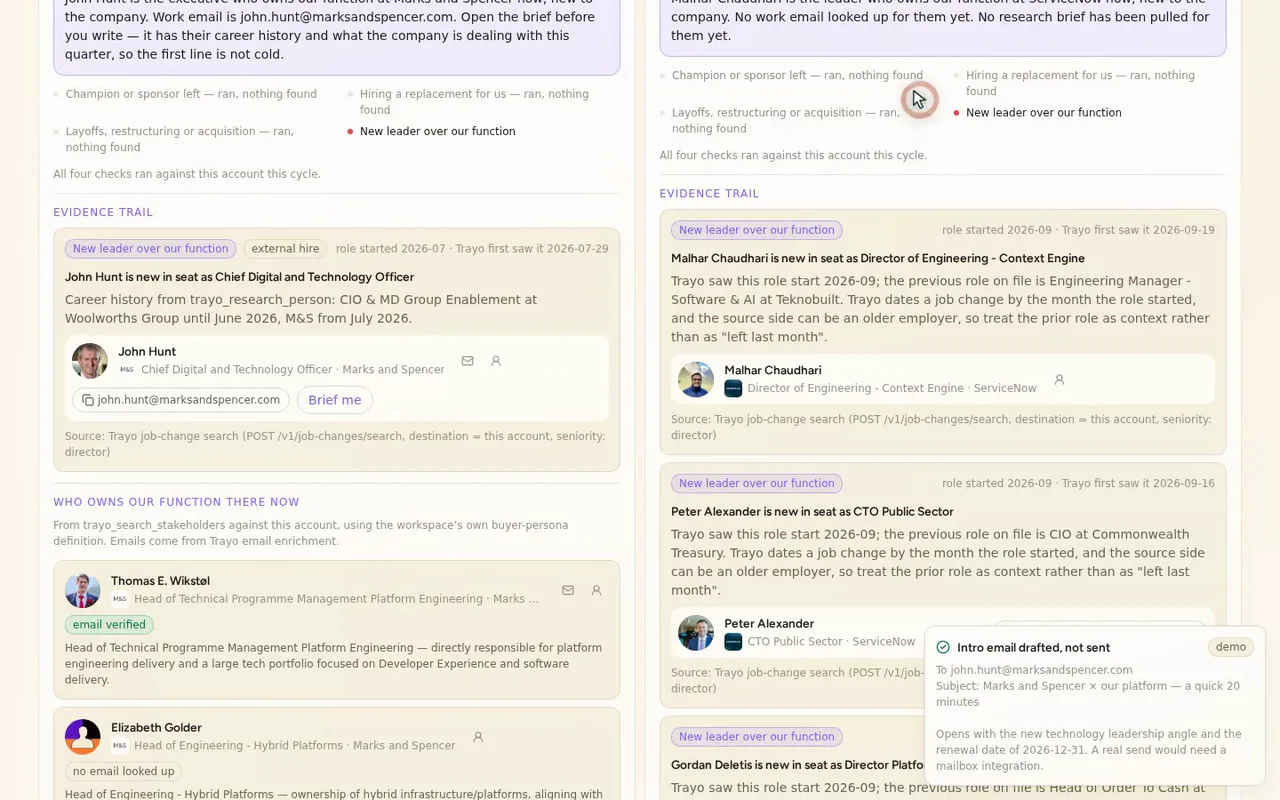
His work email is verified, from Trayo's email enrichment, so you can send it.
How it was built
The data behind each screen, and what's faked for the demo.
If you own renewals at Datadog, this is the board you open on a Monday morning before you decide who to call. It lists 59 customer accounts grouped by the quarter their contract comes up. Each is scored red, amber or green, and each score opens into the evidence behind it. I watch four things per account: the champion or exec sponsor leaving, hiring that implies someone is building or buying a replacement for us, layoffs, restructuring or acquisition, and a new leader arriving over the function we sit in. Where a new leader is in the seat, the card names them, shows their verified work email, and opens a brief with their dated career history and what their company is dealing with this quarter, so the first message isn’t cold.
What it replaces is the routine of checking each account by hand. That means LinkedIn for who left, a job board for what they’re hiring, a news search for layoffs or a deal, and then a spreadsheet you have to remember to update. Working out who now owns the function, finding an email for them and reading up on them is a separate errand per account. Here the trail sits under each score, and the person, the address and the brief sit on the card.
The workspace held none of this, so I started with trayo_import_accounts, which created the 59 accounts from the customer list. trayo_create_signal defined the four checks, and five trayo_run_discovery runs covered all 59 accounts. Discovery returned zero events, which I cover in the last paragraph. To get the leadership side onto real data, I ran trayo_search_job_changes with the account as destination and seniority set to director. It returned dated arrivals at 13 accounts, including John Hunt starting as Chief Digital and Technology Officer at Marks and Spencer, Pranathi Pulimamidy as Sr Director of Platform Engineering at Autodesk, and Amit Thawani as CIO Consumer Bank at Lloyds. Six trayo_search_stakeholders calls gave me the people who own our function at those accounts, and six trayo_research_company calls and six trayo_research_person calls produced the briefs. trayo_enrich_emails returned 14 work emails, all marked verified. Every person, photo, logo, title, date and address in the app came from one of those calls.
The part you should know first: discovery found nothing. All five runs settled clean, with no blocked signals, no errors, and every account finished, and each wrote eventsFound: 0. To rule out my own signal wording, I re-ran with a 365-day lookback and two deliberately wide-open probe signals (“any news about this company” and “any engineering job posting”) against Adobe, PayPal and ServiceNow, plus the workspace’s own pre-built signals. All came back zero. trayo_whoami reports monitoring.enabled: false on this workspace, and Trayo’s guidance is that a workspace the standing scan doesn’t cover looks exactly like a quiet week. So the champion-departure and replacement-hiring checks are wired up, ran, and found nothing, and the board says that, with run receipts on the /method route. Because you asked for the champion-left check to go through the job_change signal in discovery, I kept it there and didn’t swap in job-changes/search. That means the “who replaced our champion” flow is shown on the leadership-arrival side instead: who owns it now, their email, the brief. It’s the same three steps, on real data. One acquisition, Autodesk/MaintainX, reached the board from company research rather than the news signal, and the card labels it as the weaker source. Renewal date, ARR, seats and account owner aren’t in the Trayo API, so they come from a stand-in customer list built from the real accounts, which you can download at /customer-list.csv. The draft intro email, the Salesforce push and the #renewals post are previews. They show what would have been sent and say so.